The problem
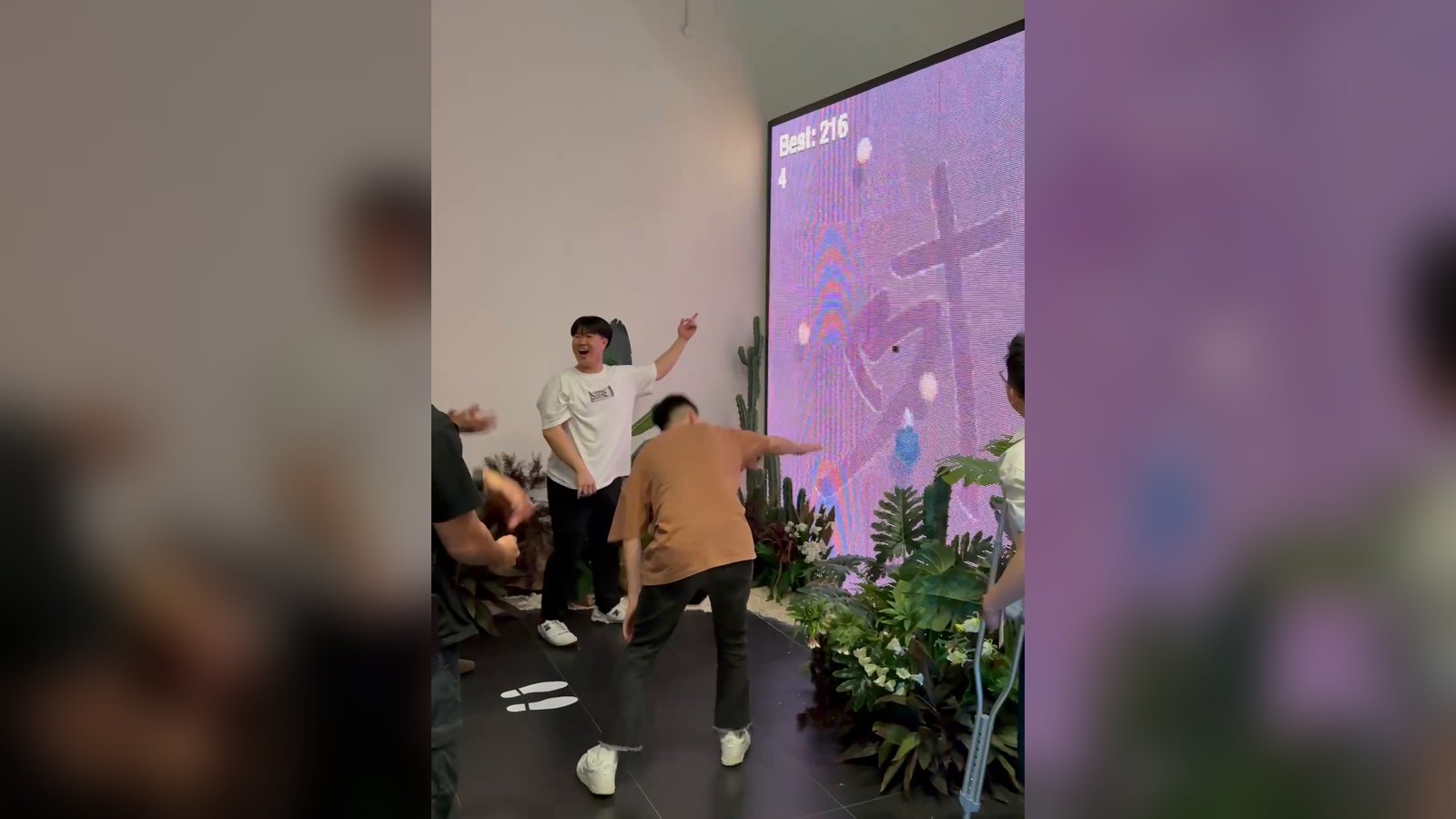
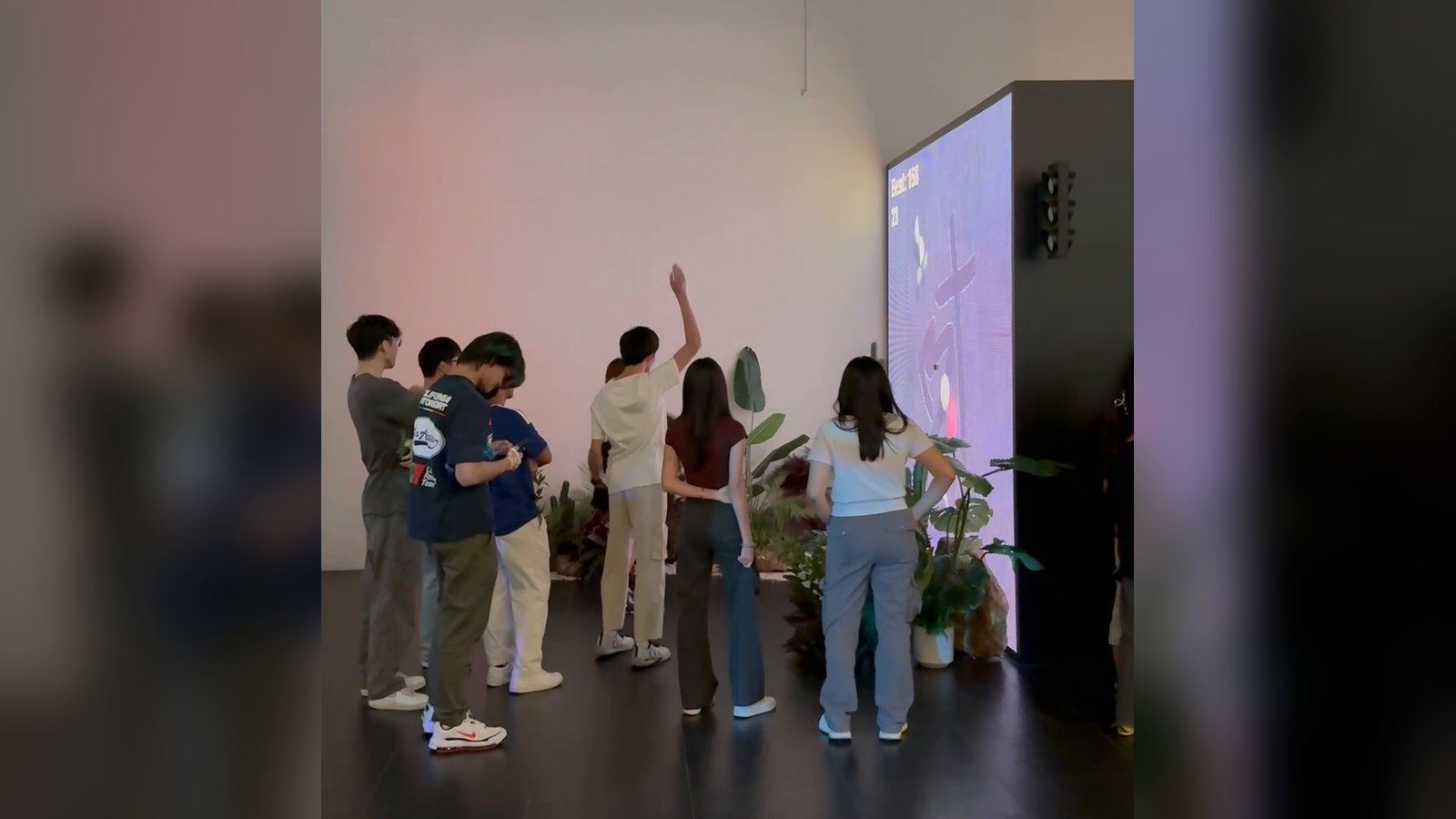
The Easter services needed a simple game to build buzz. My take was to reinvent Fruit Ninja with hand tracking, so anyone walking past could play it on the LED wall with their bare hand.
The constraint
I had 3 days to build it. It had to run as a standalone build at a live event, not from the Unity editor, and get its picture onto the LED wall.
And I only had a normal webcam. A webcam can't place a hand as accurately as a depth sensor can, but I had to work with what we had. MediaPipe's hand-tracking library is what made that possible: it lets an ordinary camera track where a hand is.
What I tried
I made two choices early:
- Camera tracking over a phone controller. I chose MediaPipe camera tracking over an analog stick on a webpage, so players could start without opening a webpage.
- Spout to TouchDesigner. I sent the game's picture to TouchDesigner over Spout, using KlakSpout, rather than driving the wall from Unity, so TouchDesigner handled the sizing and output to the wall.
Here's how a finger becomes a blade:
- Tracking. MediaPipe, which I use in Unity through homuler's MediaPipe Unity Plugin, finds the hand in each webcam frame and gives the position of the index fingertip as an x and y. I turn that into a point on screen.
- Smoothing. The raw position jitters from frame to frame, so the blade eases towards it instead of jumping there. That keeps the slash steady.
- The blade. A blade object follows that point through the game world, and a trail behind it draws the slash. Its collider only switches on while the finger is moving, so a hand held still slices nothing.
- Slicing. When the blade passes through a fruit, the fruit swaps to its two halves, turned to match the direction of the swipe, and they fly apart with a burst of juice. Each slice adds a point, and the best score is kept between rounds.
- Fruit and bombs. Every quarter of a second to a second, a random fruit is launched upwards at a slight angle, with a 5% chance of a bomb instead. Hit a bomb and the screen fades to white as time slows to a stop, then a new round begins.
- Starting. The title screen waits for a wave: the first quick movement of your finger starts the game.
- Sound. I added audio: a whoosh when you swipe fast, with a short cooldown so it doesn't stutter, plus sounds for each fruit launched, each slice and each bomb.
What failed
- Games started by themselves. Webcam hand tracking isn't perfect, and with a low tolerance for what counted as a wave, the smallest movement could start the game before players had even seen the title screen.
- Players couldn't see where their hand was. Nothing on screen showed where the game thought their finger was, so players didn't know where they were slicing.
What I changed
- A real wave to start. I raised how fast a movement has to be before it counts as a wave, so only a deliberate wave starts the game, and everyone sees the title screen first.
- A circle indicator. I added a circle that follows the tracked fingertip, so players can always see where the game thinks their hand is.
What happened
It ran on the LED wall across 2 Easter services, on 3 and 4 April 2026.