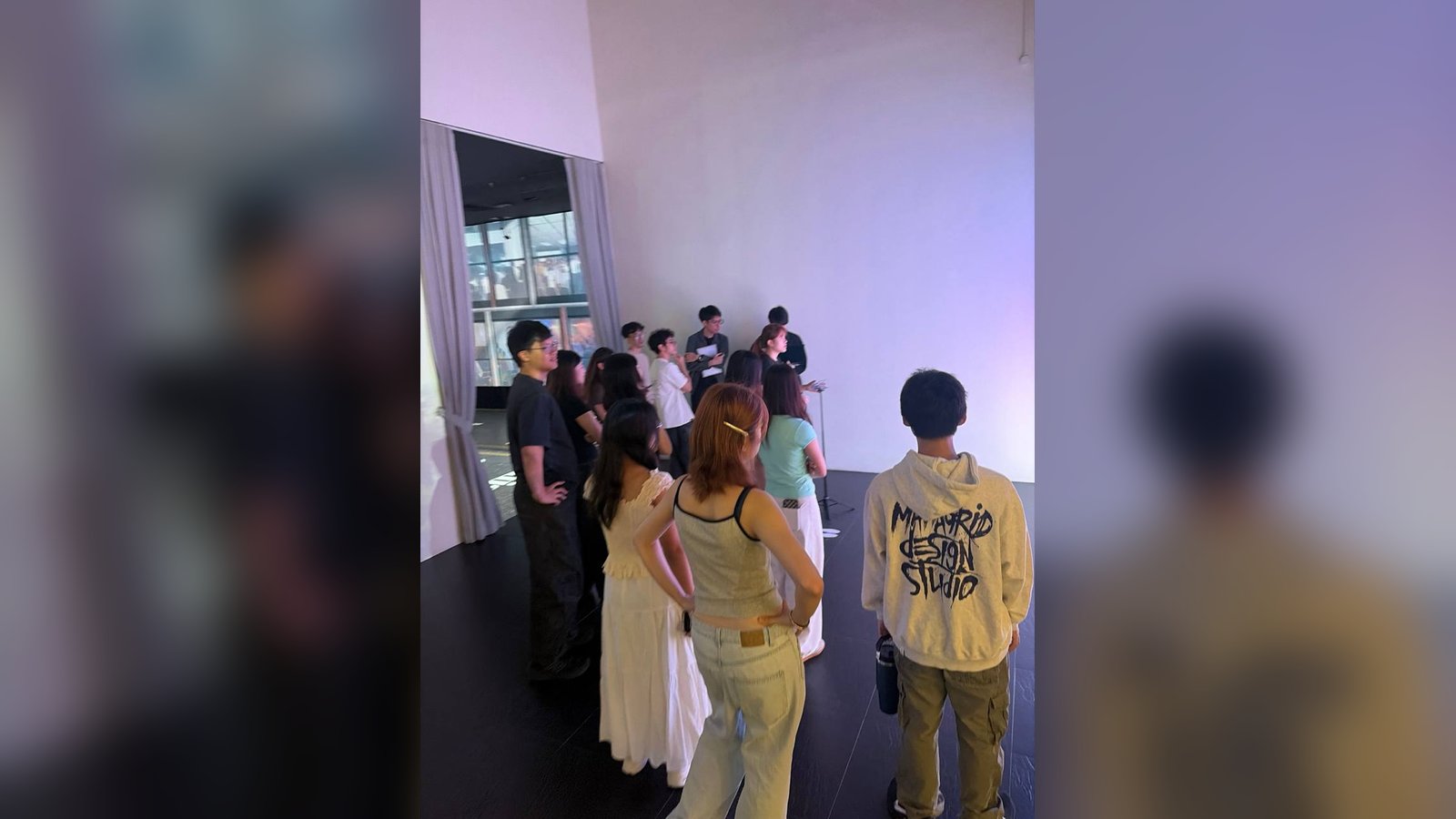
The problem
The church was marking one of its more significant seasons. The creative team suggested a game like Stack, since it's a game about building, and that was the whole brief. As the developer, I had to work out how playing it could tell the church's history.
The constraint
I had 1–2 weeks to build it. It ran as a walk-up station at live services, so nobody could be left hogging it. That meant simple controls, with just three keys:
- one to drop the block
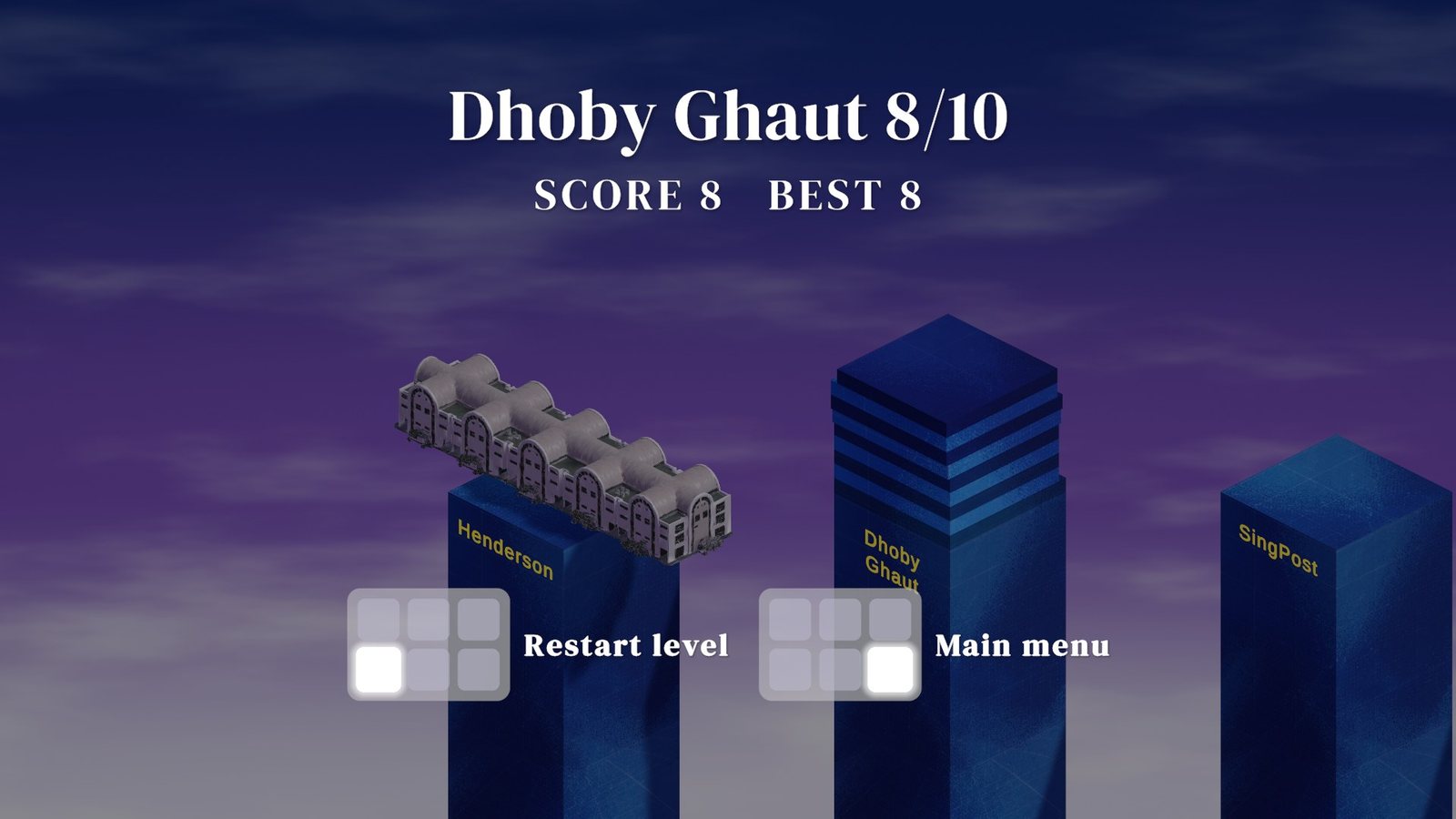
- one to restart the level
- one to go back to the main menu
The keypad picture on screen blinks the key to press, so players can see what to do without being told.
What I tried
My first idea was multiple players, but that could make it feel like they were competing instead of building together.
Then I found out that someone working on another asset had 3D models of all the church's older premises. That gave me the idea: what if players went through the journey of building every premise?
- Each premise became a stage.
- Each stage's blocks move faster than the last.
- The number of blocks needed rises with each stage: 10, 20, 30, then 40.
Running through that journey means more than stacking endlessly for a high score.
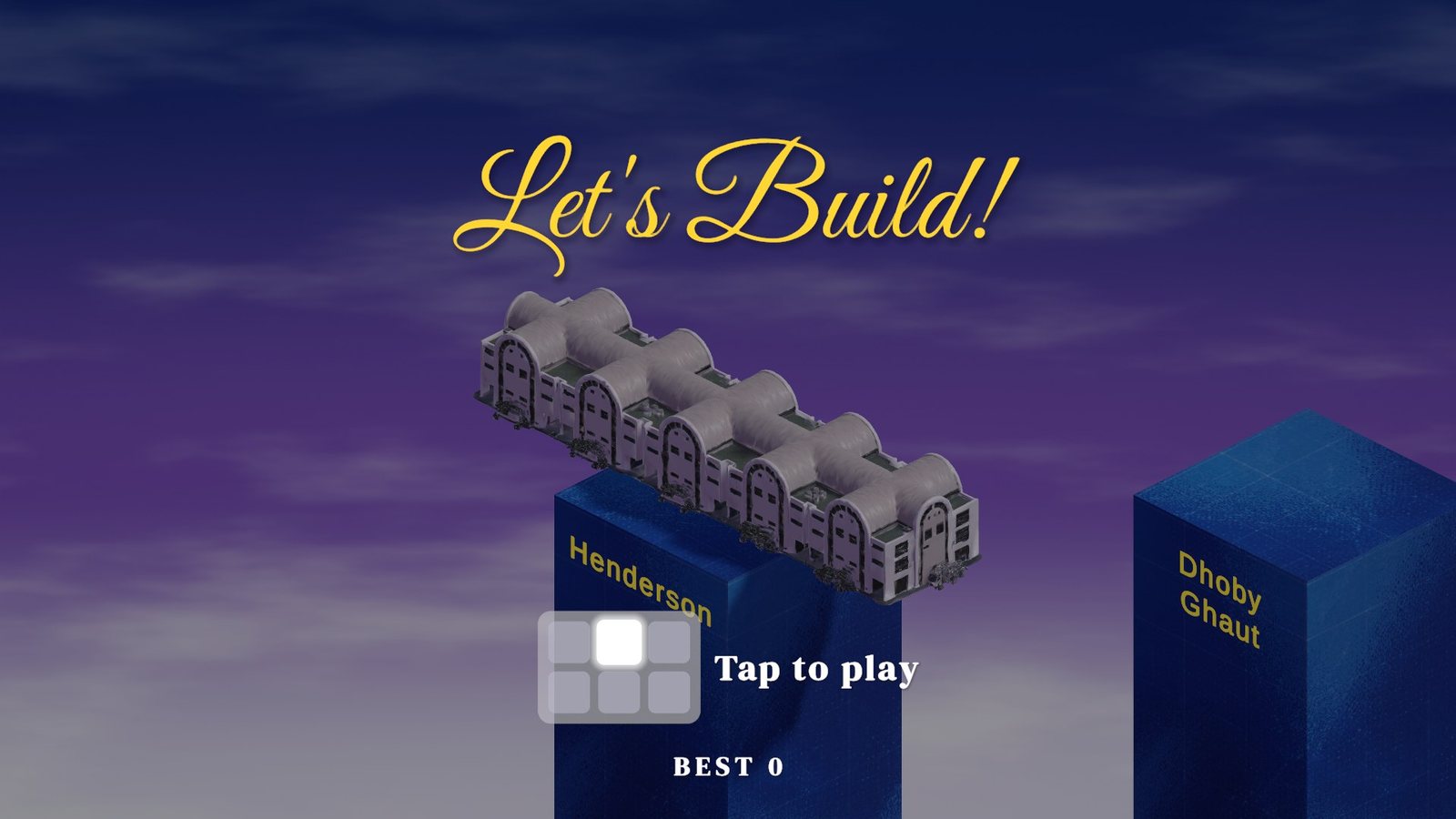
Then came the question of how to use the models. Splitting each building into blocks would have made it impossible to play, so I went with a clean spin-and-transform animation instead: when you finish a stage, the tower spins and turns into that premise's building.
What failed
- Losing meant starting over. Losing sent you back to the start of the whole game, so players kept retrying from the first stage. That took far longer and kept them at the station while others waited.
- My first tester got stuck. She walked up, saw the "Tap to play" prompt and tapped. The prompt disappeared, and nothing else on screen told her what to do next.
- The blocks were too fast. In the original version, they moved far too fast.
What I changed
- A Restart level key. It replays the stage you lost on. That keeps the queue moving, and players feel they can keep trying and improving, with the satisfaction of finally clearing the harder stages.
- The prompt stays on screen. The keypad prompt now stays up through the tapping part of the game, so players always see which key to press.
- Slower blocks. I toned down the block speed before shipping the final version.
What happened
It ran as a walk-up station at live services across 3 weekends in October 2026: 3–4, 10–11 and 17–18 October.